Getting started
How Adorn works
Checked against the app on October 17, 2026
How Adorn turns your products into designed catalog images: templates set the look, Adorn draws every product, and your feed carries the designs to your ads.
From your store to your ads
Adorn reads the products in your store, draws each one into a design you choose, and keeps those designed images in a feed that your sales channels collect for your ads. You design a template once, and every product it applies to gets its own image with its own photo, title and price.

1:1

4:5

9:16
When a price changes or a sale starts, Adorn draws that product again at its next refresh, which runs every hour on a paid plan, so your ads keep up with your store without any work from you.
Templates set the look
A template is one look for your product images: where the photo sits, which details show, and your brand's colors and fonts. You can keep several, such as an everyday look, a sale look and a look for one kind of product.
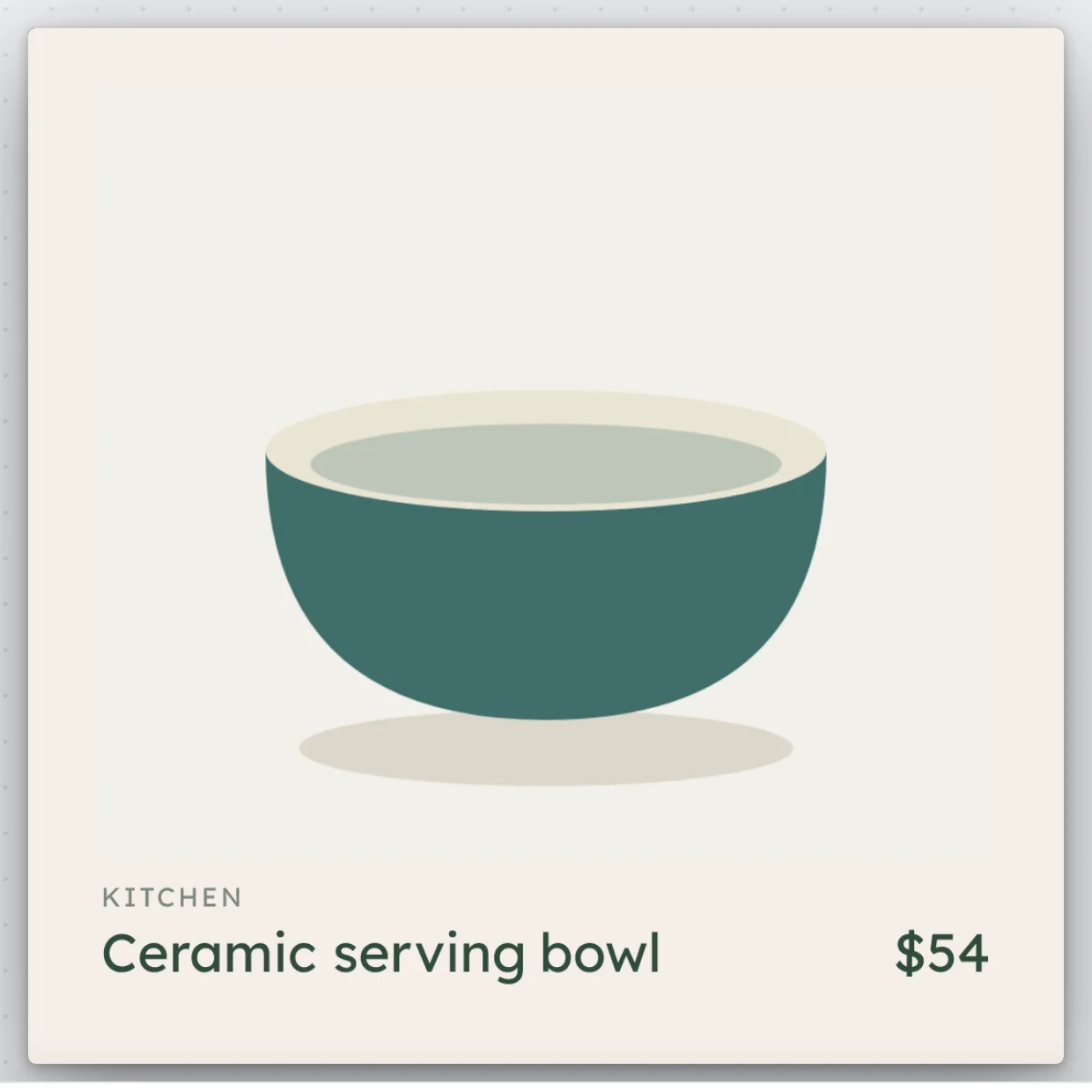
Everyday
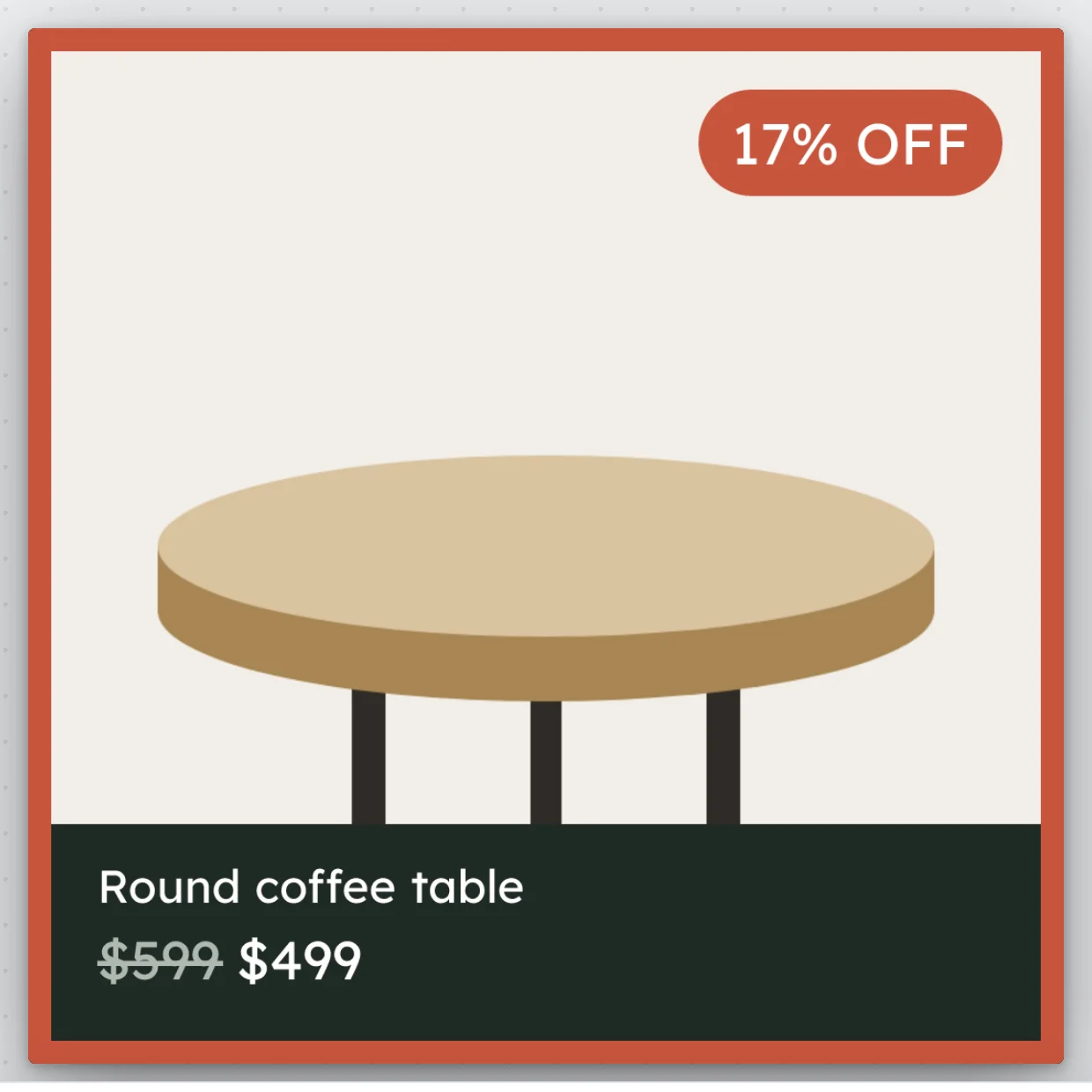
Price drop
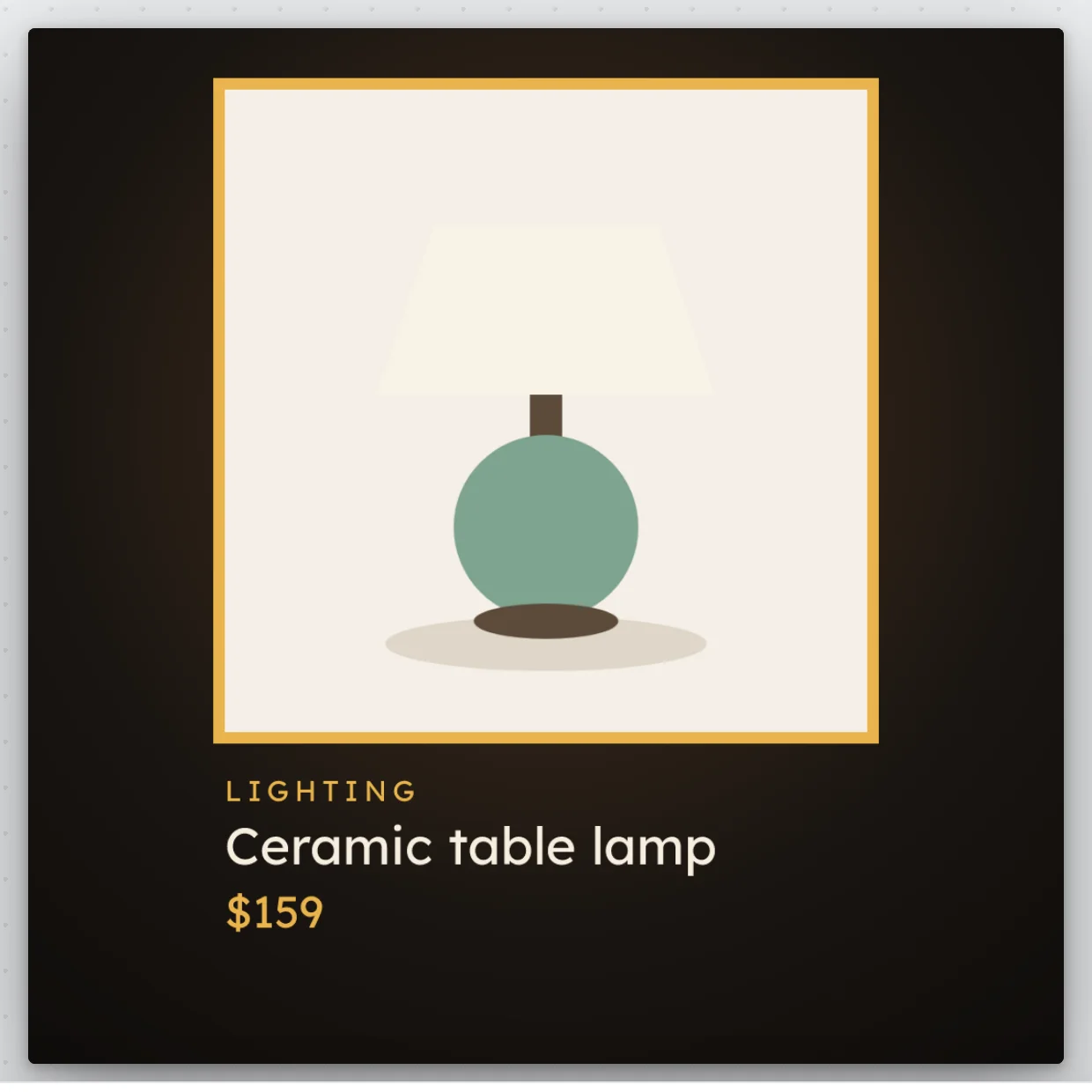
Lamp glow
Each template's rules say which products it applies to, such as products on sale or products of one type. When more than one template applies to a product, their order decides which design it gets, and you set that order in What's live.
Adorn draws every design
Adorn draws each product through the template that applies to it, with the product's own photo, title and price, so you never make an image by hand. A new product gets its design at the next refresh, and a product no template applies to keeps its own photo.
Designed images need a paid plan. To see your products the way your ads will show them before anything changes, open Preview catalog.
Your feed carries the designs
Adorn keeps a feed of your products with each product's image swapped for its design, and refreshes it every hour on a paid plan. The designed feed swaps only the images, so your titles, prices and links still come from your store.
On the free plan, Adorn serves a Google feed of your products instead, refreshed once a day, without designs.
Channels put the designs in your ads
A sales channel collects your feed and shows the designs in your ads. The Meta card is in Settings, under Sales channels. In Meta Commerce Manager, set your Adorn feed as top priority for Image, so your catalog ads use the designed images.
If you use DataFeedWatch, add your Adorn feed address there. Store health tells you whether a channel has collected your feed.