Getting started
Get help in Adorn
Checked against the app on October 17, 2026
Search the docs, read the help for the screen you are on, check your store's health and write to support from the Help panel inside Adorn.
The Help button
Help sits in the top bar at the top right of Adorn, beside the notifications bell. Press it and the Help panel opens at the side of the page, with the help for that page near the top.
The panel stays open while you read and closes with its close button or the Escape key, putting you back where you were.
This page
This page lists the parts of the docs written for the screen you are on, such as Templates or What's live. Press one to read it in the panel, and press Back to return.
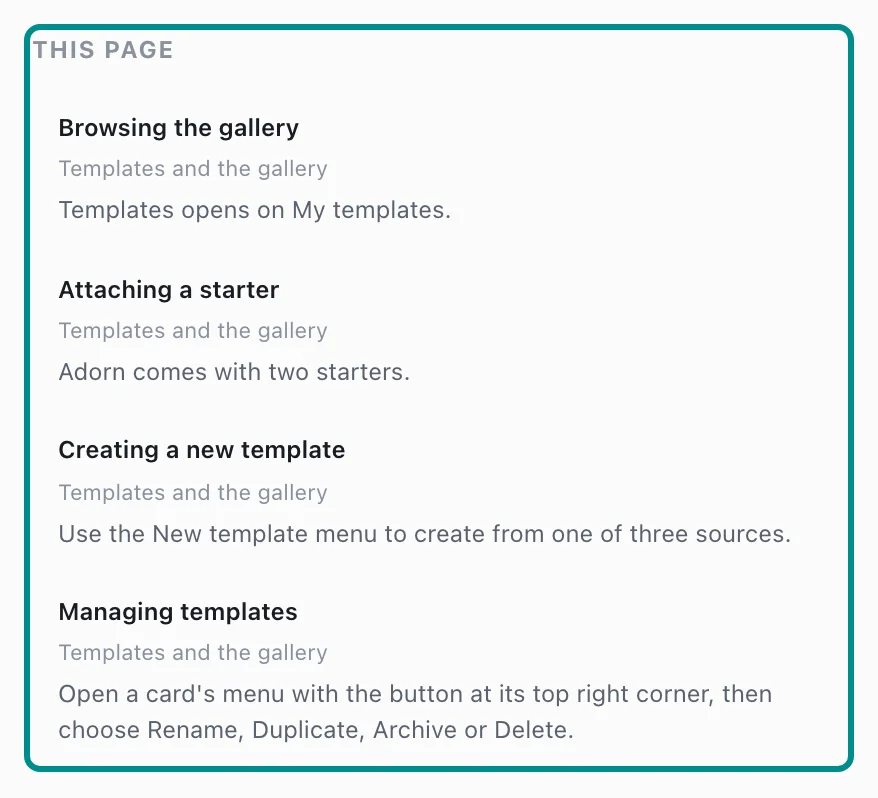
Open the full guide opens the whole guide on the docs site in a new tab, with its pictures.
Search the docs
Type in Search the docs to search every guide from inside Adorn. Results appear as you type, and the arrow keys move through them.

While the field holds text, the Escape key clears it first, and a second press closes the panel.
Store health
Store health in the panel says whether your store is working, and lists any check that needs a look with its problem code beside it.
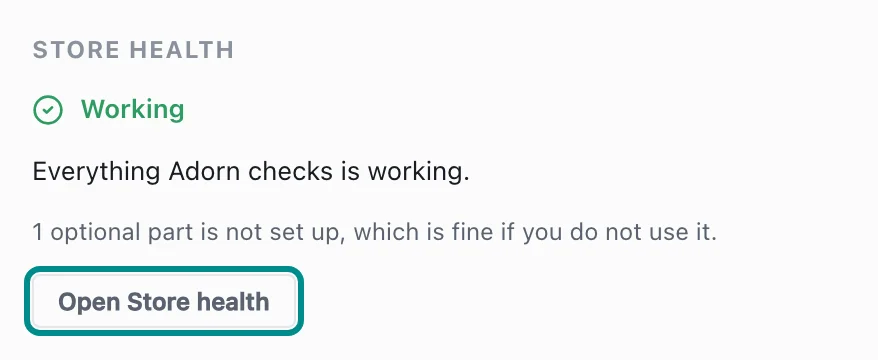
Open Store health takes you to the full page, where each check says what to do.
What's new
What's new lists recent changes to Adorn once they are released, newest first. See every change opens the full list on the docs site.
Nothing about it opens the panel on its own or marks the Help button, so you read it when you choose to.
Contact support
Contact support sends a message to a person at Adorn. Choose an answer in What is it about?, write Your message, and press Send message.
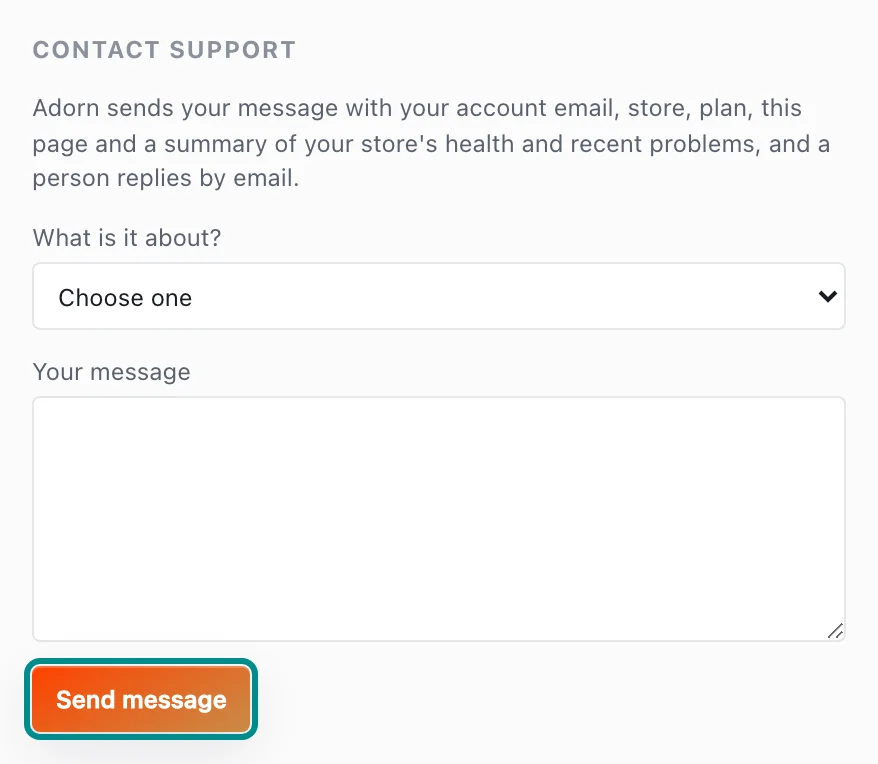
Adorn sends your account email, store, plan, the page you are on and a summary of your store's health with it, and a person replies by email. As you write, the panel suggests parts of the docs that may answer your question.
The ? buttons
A small question mark sits beside each section title in Settings, at the top right of each tab in Insights, and in each section header of the Inspector in the editor.
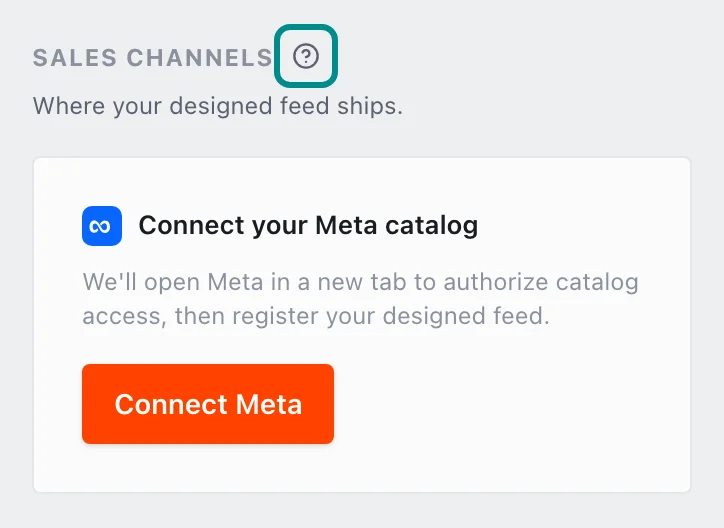
Press one and the Help panel opens straight at the help for that part of the screen. Focusing or pointing at it opens nothing, so it never gets in your way.
Help in the editor
The editor has no Help button at the top. Press Documentation on the tool rail instead, and the same Help panel opens beside your design.
Everything in this guide works the same there, and the question marks in the Inspector open it too.