Applies to & priority
Priority and what's live
Checked against the app on October 17, 2026
Order your templates so the first match wins, pause templates without deleting them, preview the impact of a change before saving, and see the winning design across your whole catalog.
Why priority matters
When more than one template could match a product, priority decides the winner. Templates match top to bottom, and the first match wins. A pinned Default template sits at the bottom. On its Rules tab you choose whether products with no matching rule get its design or keep their own images.
The What's live list
What's live lists your templates in the order Adorn checks them. The first template that applies to a product wins.

- Drag a row, or use Move up and Move down, to change the order.
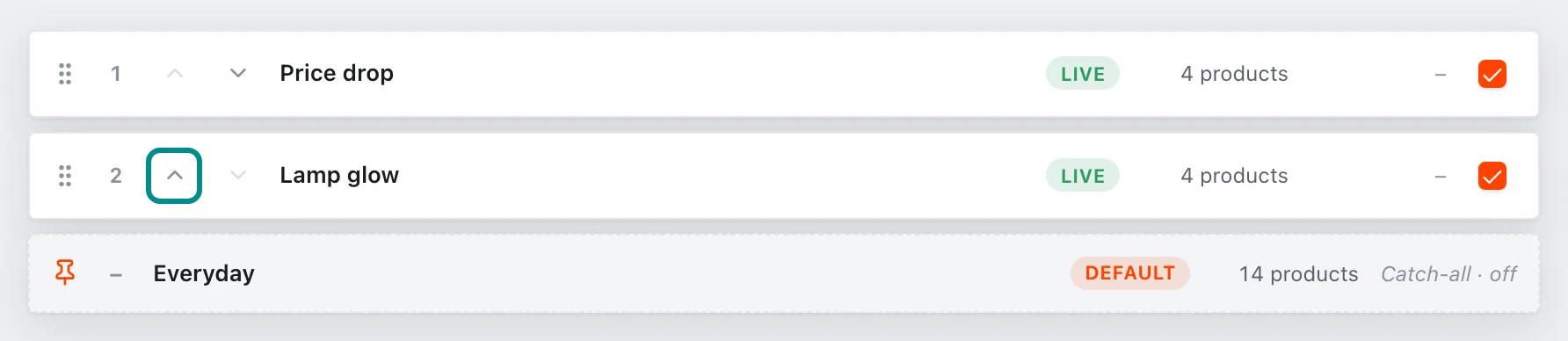
Move up raises a template one place in the order. - Clear a row's checkbox to pause that template.
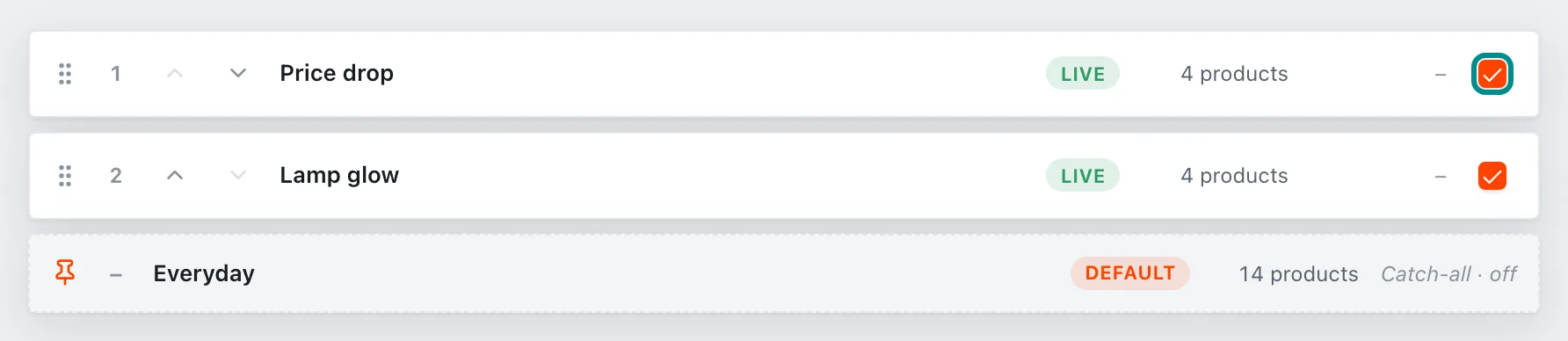
A cleared checkbox pauses the template without deleting it. - Press Save priority to keep your changes, or Reset to undo them.
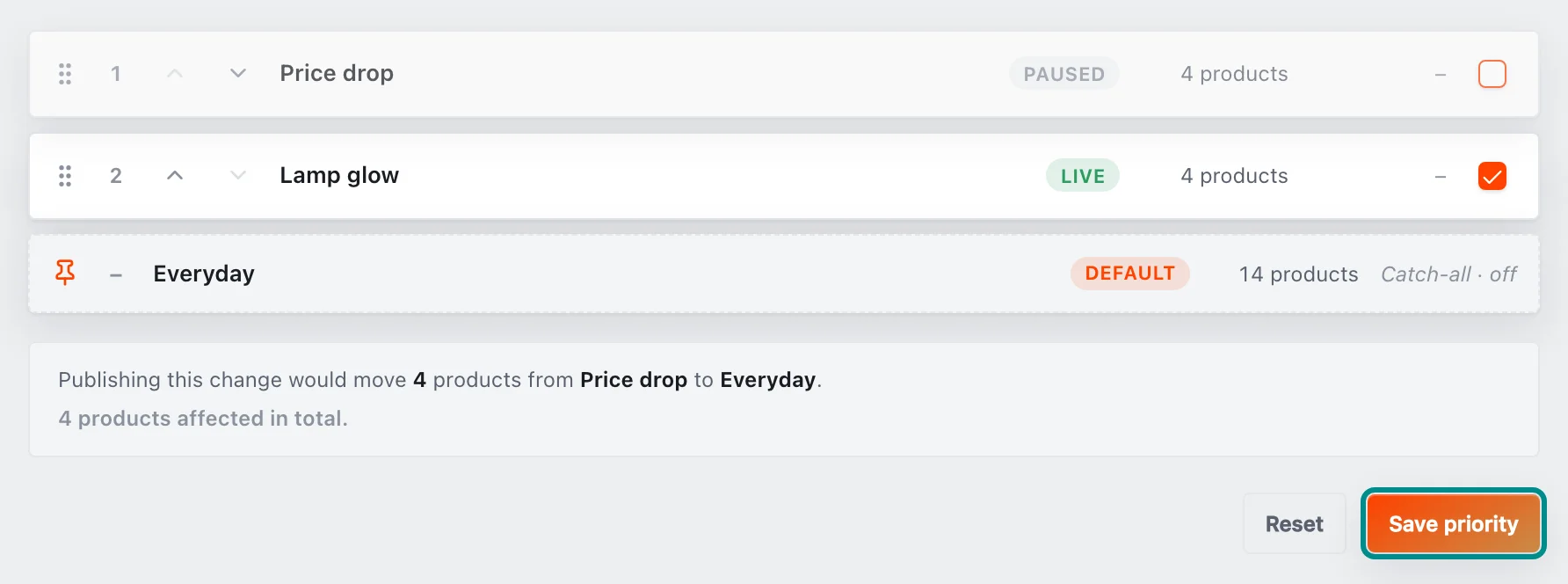
Before you save, the line under the list says which products would move.
Paused templates are skipped. Their products fall through to the next match, then to the Default, or to their own images if the Default's Rules tab is set to Keep their own images. The pinned Default row cannot be reordered or paused.
The Default template always stays last, and you can't pause it.
Previewing a change before you save
Your changes stay on this screen until you press Save priority. Before you save, the line under the list says what the change would do, such as how many products would move from one template to another, and Reset puts the list back as it was.
If your store sends changes for approval, the new order applies once a reviewer or owner approves it.
Previewing the winning design
The catalog preview is a read-only view of the designs across your whole catalog, on your own real products. It has two modes:
- Template switcher: browse the full catalog through one chosen template, ignoring what it applies to, to see how that one design looks everywhere
- Live winner: each product shows the template that actually wins under your rules and priority, faithful to what the feed serves
Search to find a product. Nothing here changes your live feed, so it is safe to explore.