Applies to & priority
A/B tests
Checked against the app on October 17, 2026
Test a variant of a template's design against the design itself, start and stop the test, and see which one wins.
How an A/B test works
An A/B test runs a variant of a template's design against the design itself, which the app calls Control. While the test runs, each product in your Meta feed shows one of them as its main image, so each side of the test covers different products.
A variant changes only what you set on it: its colors, its badge rules or its wording.
Start a test
- On the template's Rules tab, under A/B variant testing, press Start test once the template has a variant.
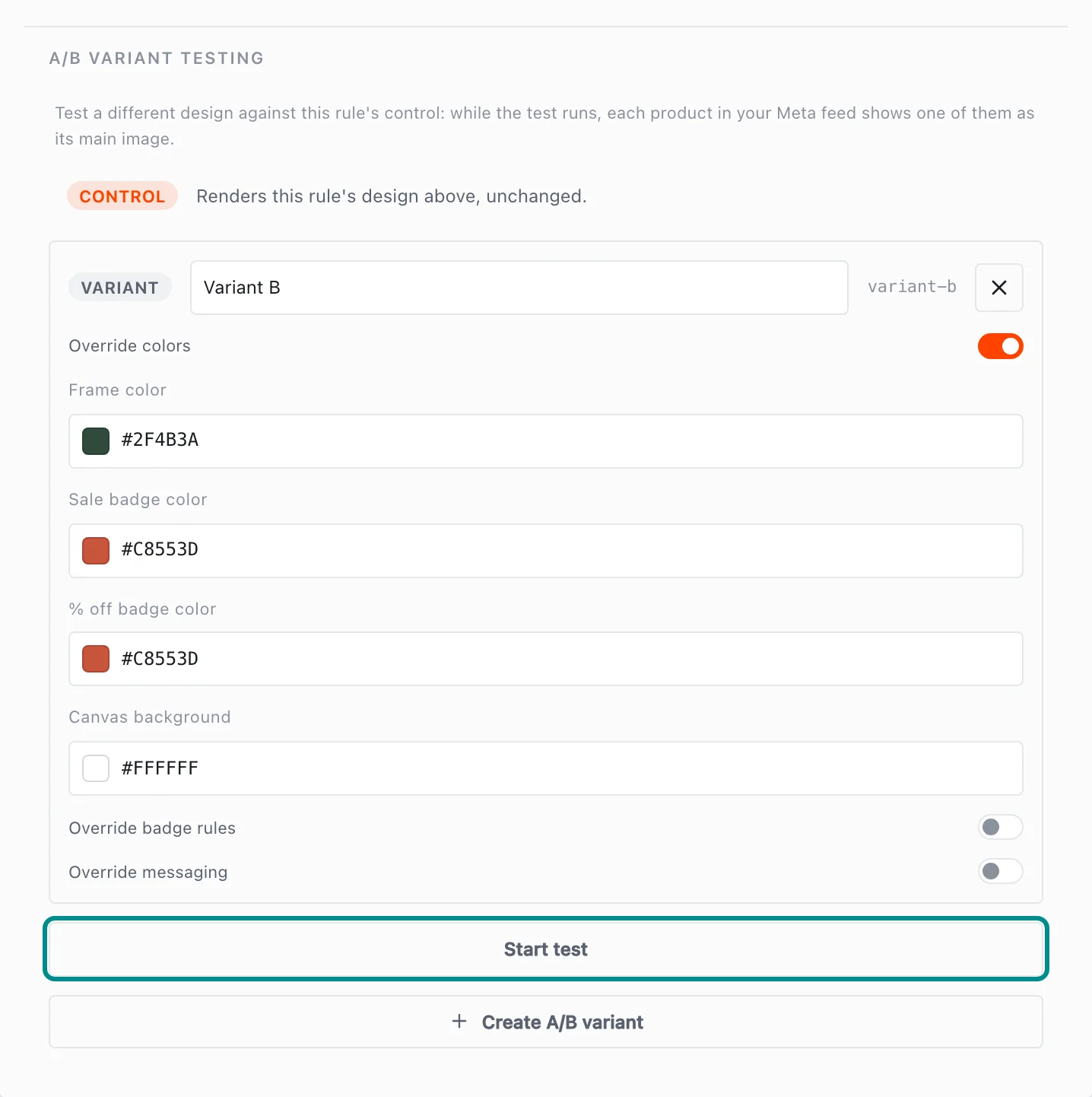
Start test appears once the template has a variant to test. - Publish the template, and the test starts.
To end a test, press Stop test in the same place, and the test stops when you publish.
Each variant needs room among a product's extra images in your Meta feed. If a rule has more variants than the feed can list, the Rules tab says how many to remove before you can publish.
See which one wins
Results are on the Winners tab in Insights, under Tests and winners. Adorn checks each running test once a day, and a variant wins only when it gets clearly more clicks than Control and its return on ad spend is no worse.
Measuring needs a Meta ad account, set up in Settings, Sources & markets, under Performance & testing. Until there is one, a test still shows its designs, and Tests and winners says what is missing.
When a variant wins, a reviewer or owner can press Promote to make it the main image for every product in the template. The test then stops.
Each side of a test covers different products, and Meta decides which products get shown. A template with few products may never reach a clear result, and Winner testing thresholds, under Performance & testing, set how much a test needs before a variant can win.