Templates & design
Preview catalog
Checked against the app on October 17, 2026
See every product in its design before anything changes in your feed, find one product, and see why a tile keeps its own photo or shows no photo.
Every product in its design
Preview catalog, in the top bar, draws every product in your catalog in its design, so you can check your designs before anything changes in your feed. Live winner shows each product in the template it gets now.
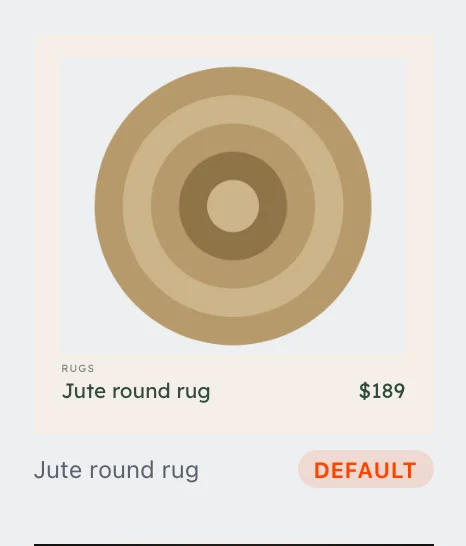
Everyday
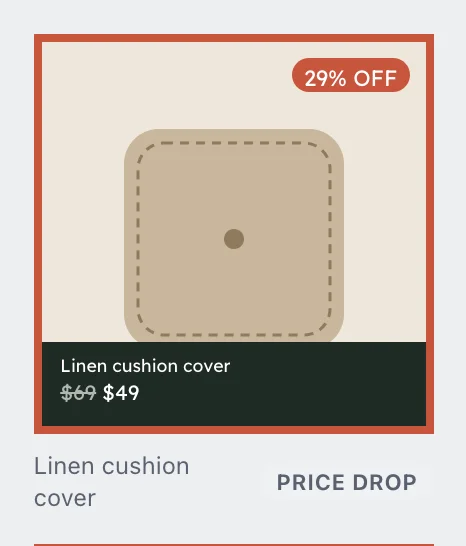
Price drop
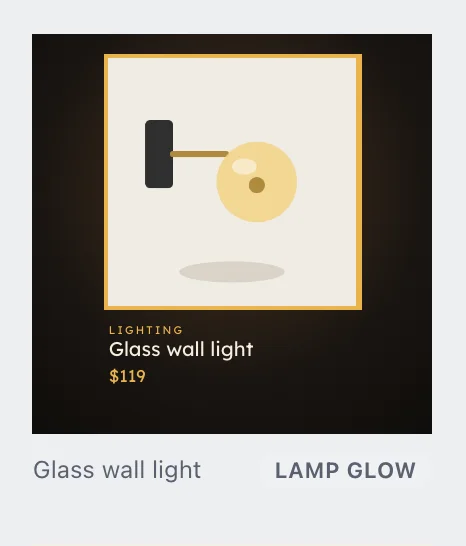
Lamp glow
Template switcher shows every product in one Template you choose, so you can see how a template looks across your whole catalog. Search title or SKU finds a product, and the size buttons switch every tile to another size.
Products that keep their own photo
In Live winner, a product that no template applies to shows its own photo, marked Own image. Point at the mark to read why: No rule matches this product, so it keeps its own image.

To give that product a design, change a template's rules so that it applies to the product.
Why a tile shows no photo
A product with no photo shows its design with an empty space where the photo goes. A product with no usable image is left out of your feed until you add an image to it in your store.
Tiles draw as you scroll, so a tile further down the page shows a plain box until it comes into view.