Insights
The Multivariate test tab
Checked against the app on October 17, 2026
Test several elements of one template at once, see how many combinations and images that makes, and publish the test.
The Multivariate test tab
Multivariate test, in Insights, tests several elements of one template at once. You pick the elements to swap and the options for each, and each mix of one option per element is a combination.
The three figures under the template add it up: Combinations is how many mixes your options make, Products is how many products the template applies to, and Images to render is how many images those combinations draw.

If your options make more combinations than a test allows, or the test needs more images for each product than your Meta feed can list, the tab says so, and you remove slots or options before you can publish.
Set up a test
- Under Template, choose the template to test.
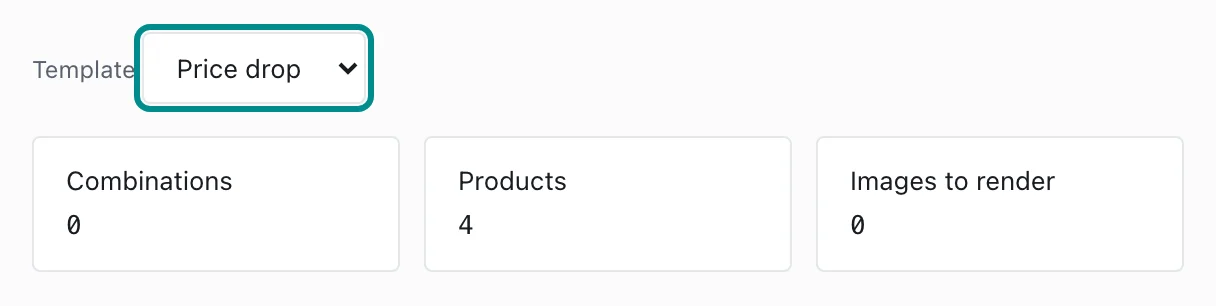
The figures under the template count the test as you build it. - Press Add slot, then choose the element to swap and what to change on it. Type a value for each option, and press Add option for more.
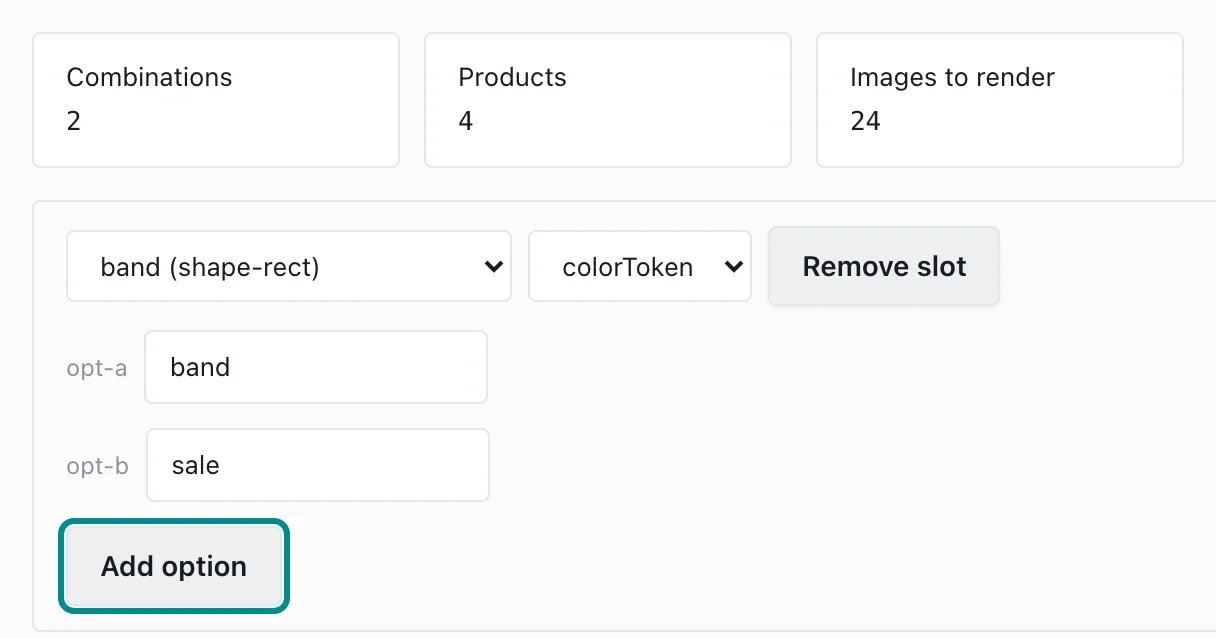
Each option is one value the element takes in the test. - Press Publish test.
Publishing redraws every product in your store.
A test runs on a template that applies to a chosen group of products, so the Default template can't carry one.
If your store sends changes for approval, the test starts once a reviewer or owner approves it. When a change to a running test's slots or options changes its combinations, publishing it starts the whole test again, so the tab asks you to confirm first. A test that started before each product showed one combination asks on every publish, because publishing it starts a test Adorn can judge. Starting again ends the test so far with no result and begins a new test of the same length, or of 28 days if the old test had no set length. Keep testing publishes nothing and leaves the test running.
See the results
Once the test is published, Element lift shows how each option of each element is doing, Performance compares the designs, and Winners shows where the test stands.