Account & billing
Brand and account
Checked against the app on October 17, 2026
Set your brand palette, font and logo, then manage who can use your store: its members and their roles, sending invites, and accepting one.
Set your brand
Your brand is the palette, typeface, and logo your templates render with. Because the templates are brand-agnostic, setting these makes a starter template render on-brand immediately without redesigning anything. The whole step is skippable, so it never blocks you.
- Optional: paste your store's address into Store URL and press Import my brand. Adorn shows the logo, colors and fonts it found, and Use these applies them. If it can't find enough, you pick them yourself below, so you are never stuck.

Use these applies what the import found. - Under Palette, pick Classic, Midnight, Sage or Coral. Under Font, choose Lexend, Inter, Fraunces or Space Grotesk, or bring your own with Upload font or Browse Google Fonts.
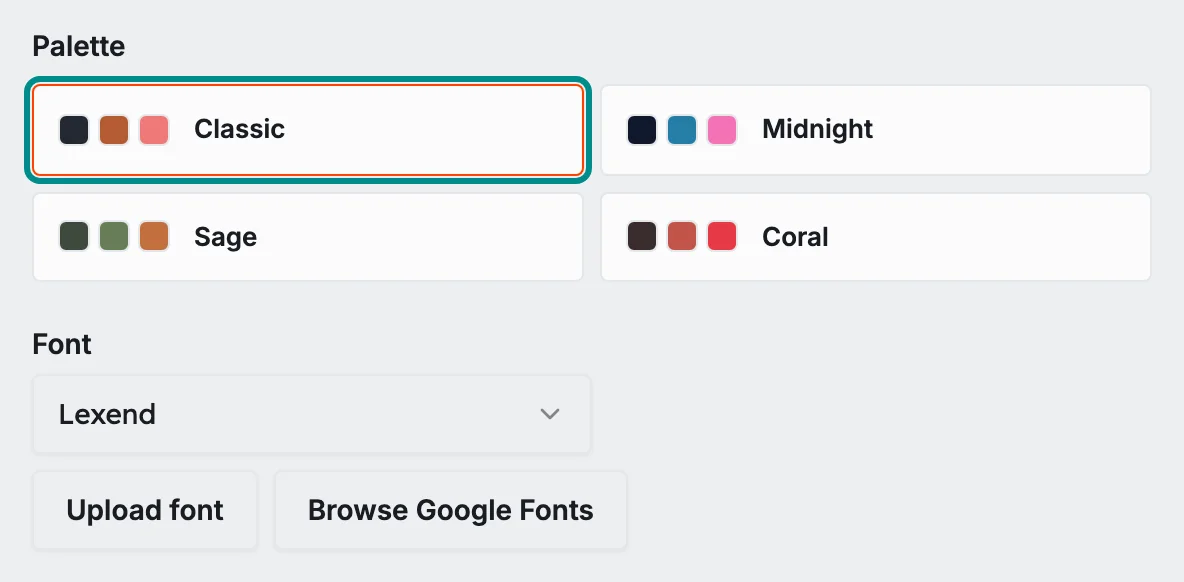
Each palette sets the colors your templates use. - Optionally press Upload logo to add your logo. It's saved to your brand kit, so you can add it to any template later from the editor's Assets panel (Logos tab).
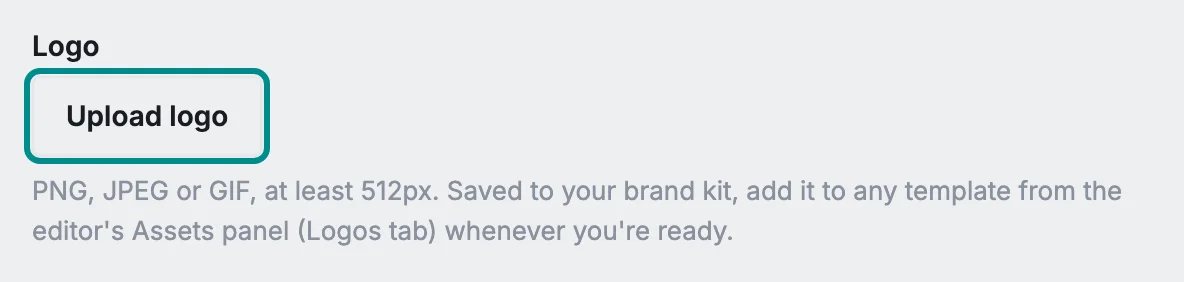
Your logo is saved to your brand kit. - Continue, or select Skip for now to use clean defaults.
Skip for now uses clean defaults.
Members and roles
A workspace can have more than one person. The Members panel lists everyone with access and lets an owner manage them. There are three roles:
- Owner: can edit designs and manage members, roles, billing, connections, product sources, cost uploads, AI keys and agent access
- Reviewer: can edit designs, approve other people's publishes when approval is on, and promote winners
- Editor: can edit designs, but cannot manage members, billing, connections, product sources, cost uploads, AI keys or agent access
A workspace always keeps at least one owner. Adorn won't let you remove or demote the last owner, so you can never lock yourself out.
Inviting someone
Owners add people by email from the Members panel.
- Enter the person's email and choose their role: owner, reviewer or editor.
- Select Send invite. Adorn emails them a secure accept link.

The role list sits between the address and the button.
Accepting an invite
When you receive an invite, open the link in the email. If you're not signed in, sign in or create an account first, using the exact email the invite was sent to. Once you're in, Adorn confirms which store you've joined and your role, and Go to the editor takes you in.
Invite links are single-use and expire after seven days. If a link is used, expired, or opened with the wrong email, Adorn tells you plainly and the owner can send a fresh one.