Templates & design
Share a preview link
Checked against the app on October 17, 2026
Send a read-only preview of a template's design to someone without an Adorn account, choose how long the link works, and revoke it.
Create a link
A share link opens a read-only preview of a template's current design. Anyone with the link can open it, and they need no Adorn account.
- Open the template card's menu and choose Share preview link.
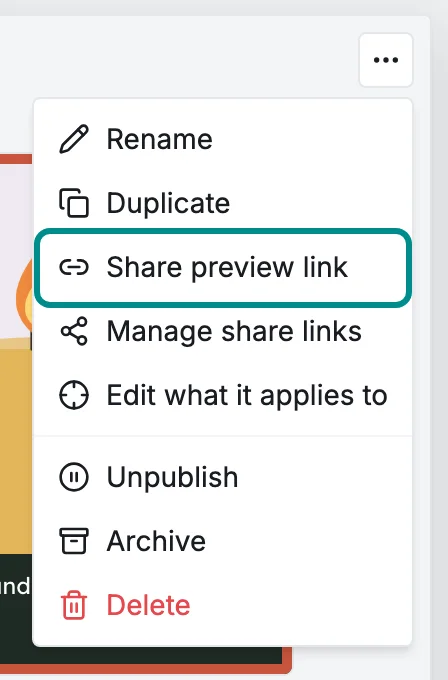
The same menu holds every action for the template. - Choose how long the link works in Link expires after, then press Create link.
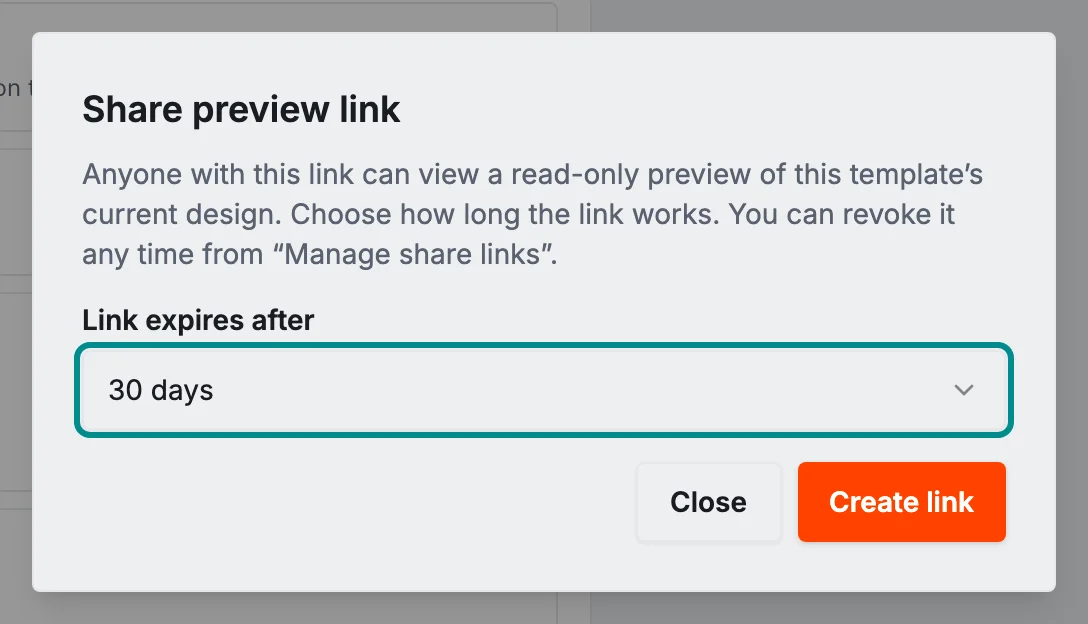
Nothing is shared until you create the link. - Press Copy link and send the address to the person you want to share with.
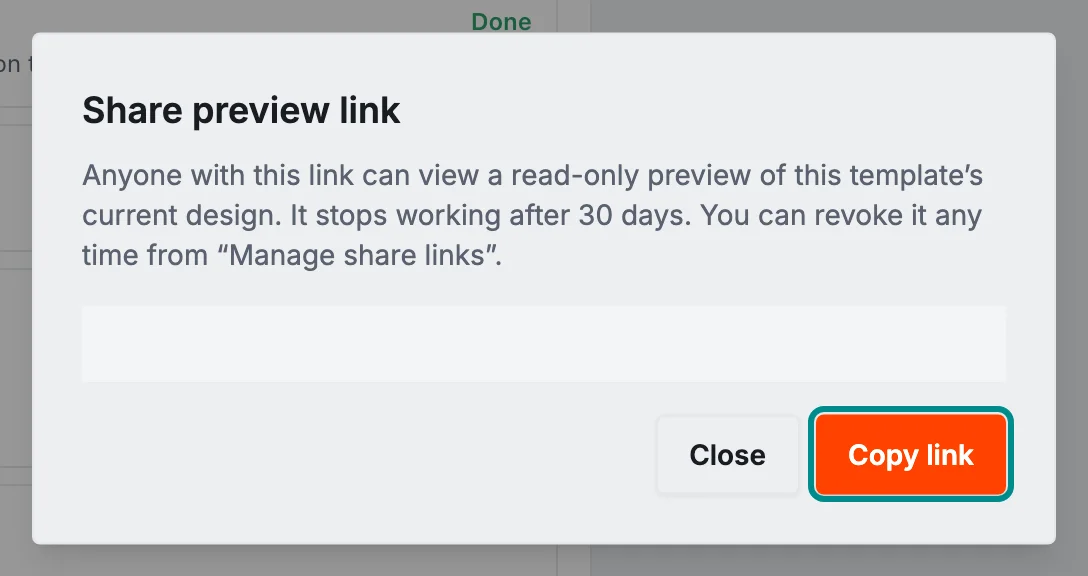
Anyone with the address can open the preview until the link stops working.
The publish flow offers the same link on its Review step: press Share, then Share preview link.
See your links
Manage share links, in the same card menu, lists the links made for that template, newest first. Each row says whether the link is Active, Expired or Revoked and when it was made, and an active link also says when it stops working.

Copy link on an active row copies its address again.
Revoke a link
- In Manage share links, press Revoke on the link.
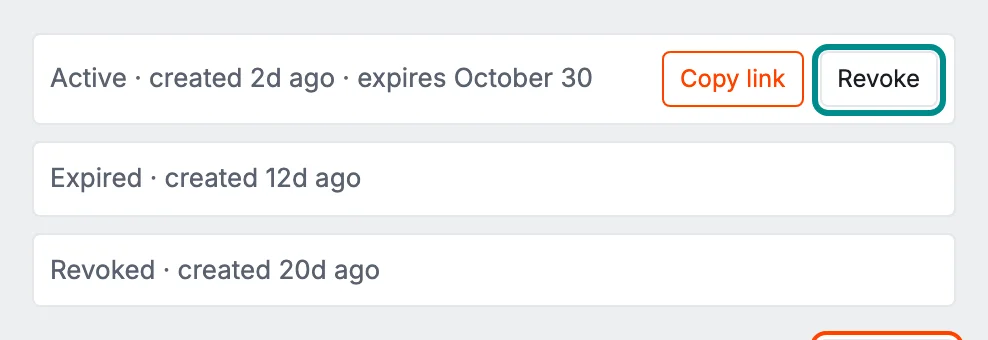
Revoke appears only on a link that still works.
The link stops working straight away. Someone who already has the page open keeps what has already loaded.