Troubleshooting & FAQ
I am not getting alert emails
Checked against the app on October 17, 2026
What to check first when alert emails do not reach you, and the problem codes that cause it.
What to check first
- In Settings, open Store health and find the Alerts reach someone row. If alert emails are paused, muted or cannot be sent, the fix is on our side, and the row offers Contact support.
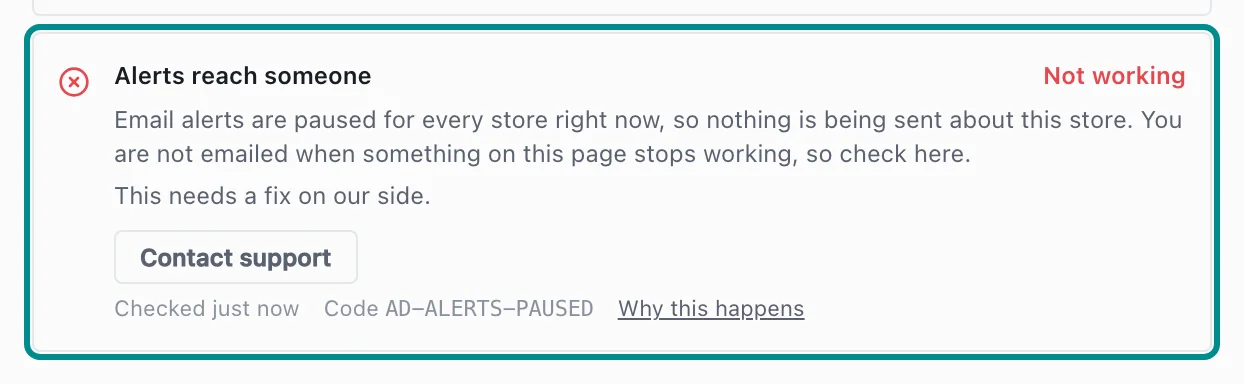
Here alert emails are paused for every store. - Open Team & roles in Settings and look at the addresses under Email alerts. While no address is listed, alerts go to your store's owners, and an owner can add one with Add address.

An owner types an address, then presses Add address.
Related pages
Problem codes that cause this
Adorn shows one of these codes in Store health when it finds the cause, and each one says what to do.