Troubleshooting & FAQ
AI images stopped being made
Checked against the app on October 17, 2026
What to check first when products stop getting AI images, and the problem codes that cause it.
What to check first
- In Settings, open Store health and find the AI images keep up row, which says whether products are waiting for an AI image and why.
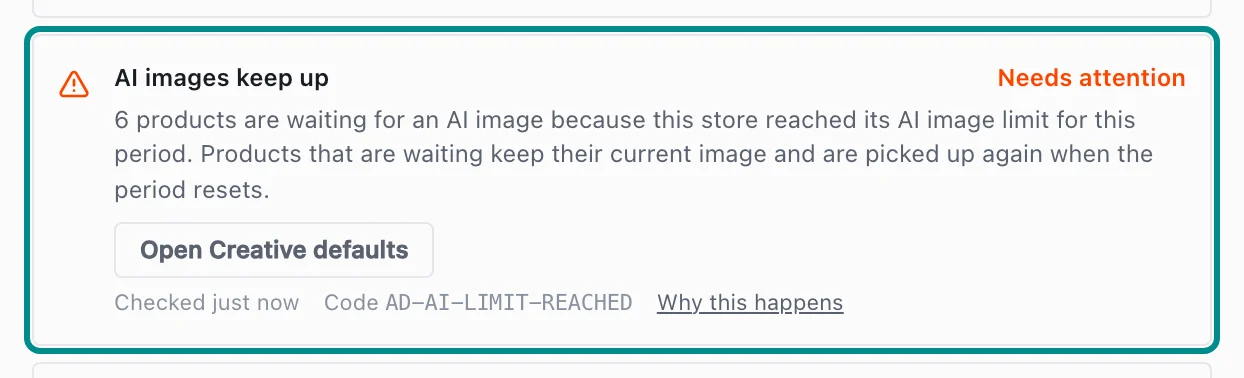
Here products are waiting because the store reached its AI image limit. - Open Creative defaults in Settings. Under AI images, check that Turn on AI cutouts is ticked. If products are waiting on the AI image limit, raise the spend cap there, or wait for the period to reset.
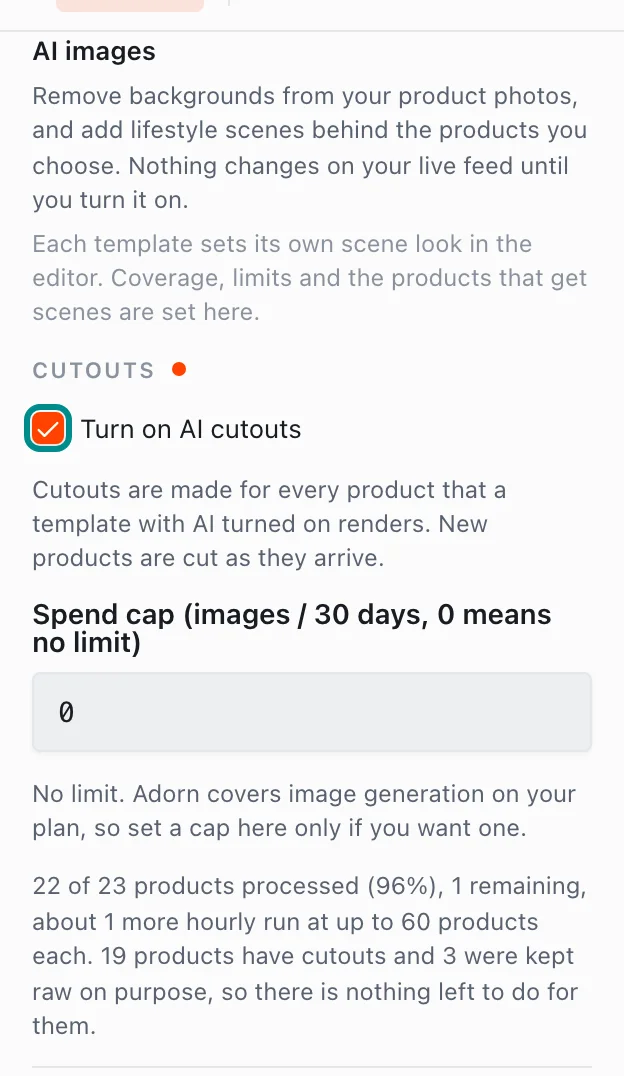
The spend cap sets the most cutouts that can be made in each window. - Open Library in Settings. Photos Adorn could not cut out with confidence wait under Cutout operations until you choose what happens to each one.

A waiting photo shows its choices beside it.
Related pages
Problem codes that cause this
Adorn shows one of these codes in Store health, the notifications bell or an alert email when it finds the cause, and each one says what to do.