Troubleshooting & FAQ
Installing Adorn from Shopify did not finish
Checked against the app on October 17, 2026
What to check first when the install from Shopify does not connect your store, and the problem codes that cause it.
What to check first
- Finish in the same browser you installed from. The screen Adorn opens names your store and asks you to create an Adorn account for it, or to sign in. Once the store is connected, press Continue setup.
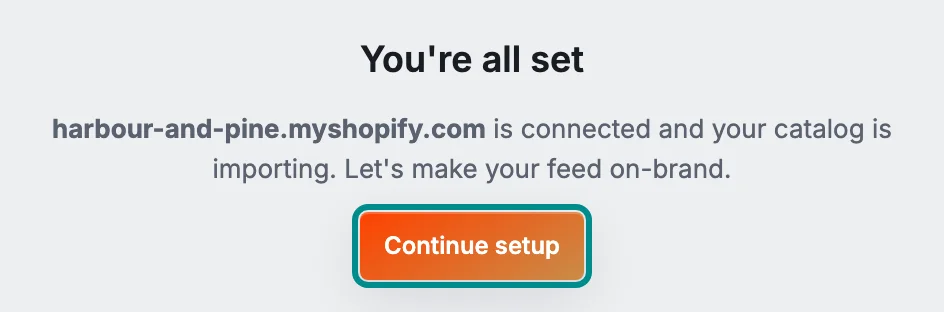
Continue setup opens the setup wizard. - If the screen reads This store could not be connected, press Contact support, and we connect the store to the right account with you.
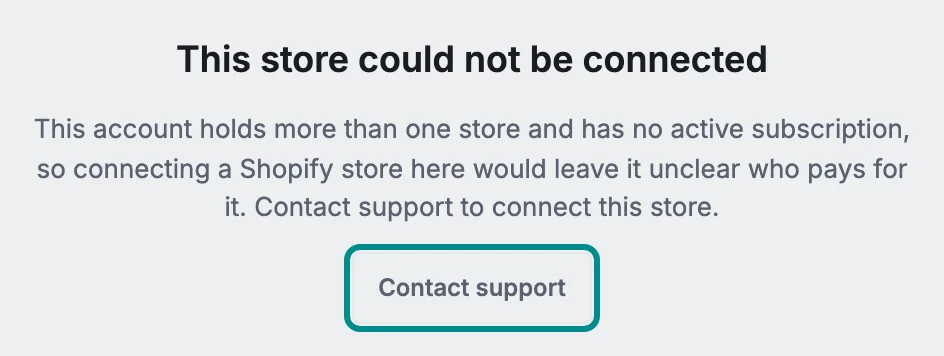
Contact support opens the support form with the problem code attached. - If it reads This store is already connected, the store belongs to a different Adorn account. Sign in with that account, or press Contact support to move the store.
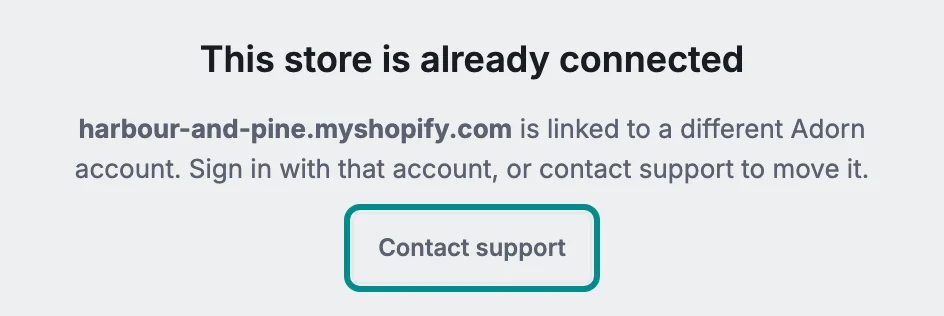
The store stays with the Adorn account it is connected to. - If it reads This install link has expired, install Adorn again from your Shopify admin to get a new link.
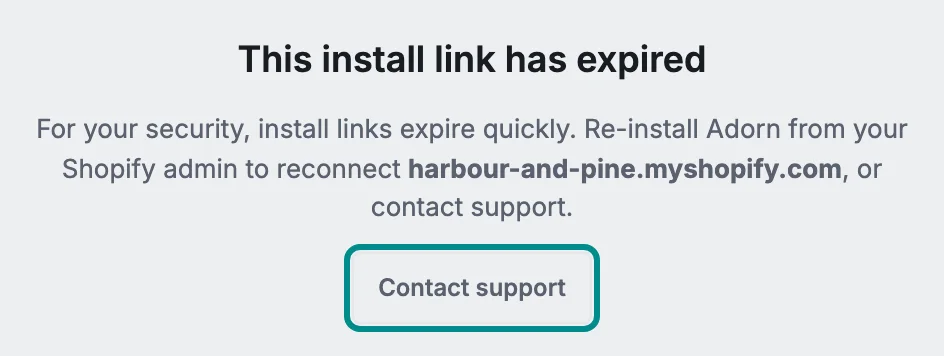
Install links expire quickly to keep your store safe.
Related pages
Problem codes that cause this
Adorn shows one of these codes in the install screen or the support form when it finds the cause, and each one says what to do.