Troubleshooting & FAQ
My designs are not showing in Meta ads
Checked against the app on October 17, 2026
What to check first when your designs do not show in your Meta ads, and the problem codes that cause it.
What to check first
- In Settings, open Store health and press Check again, so each row reads your store as it is now.
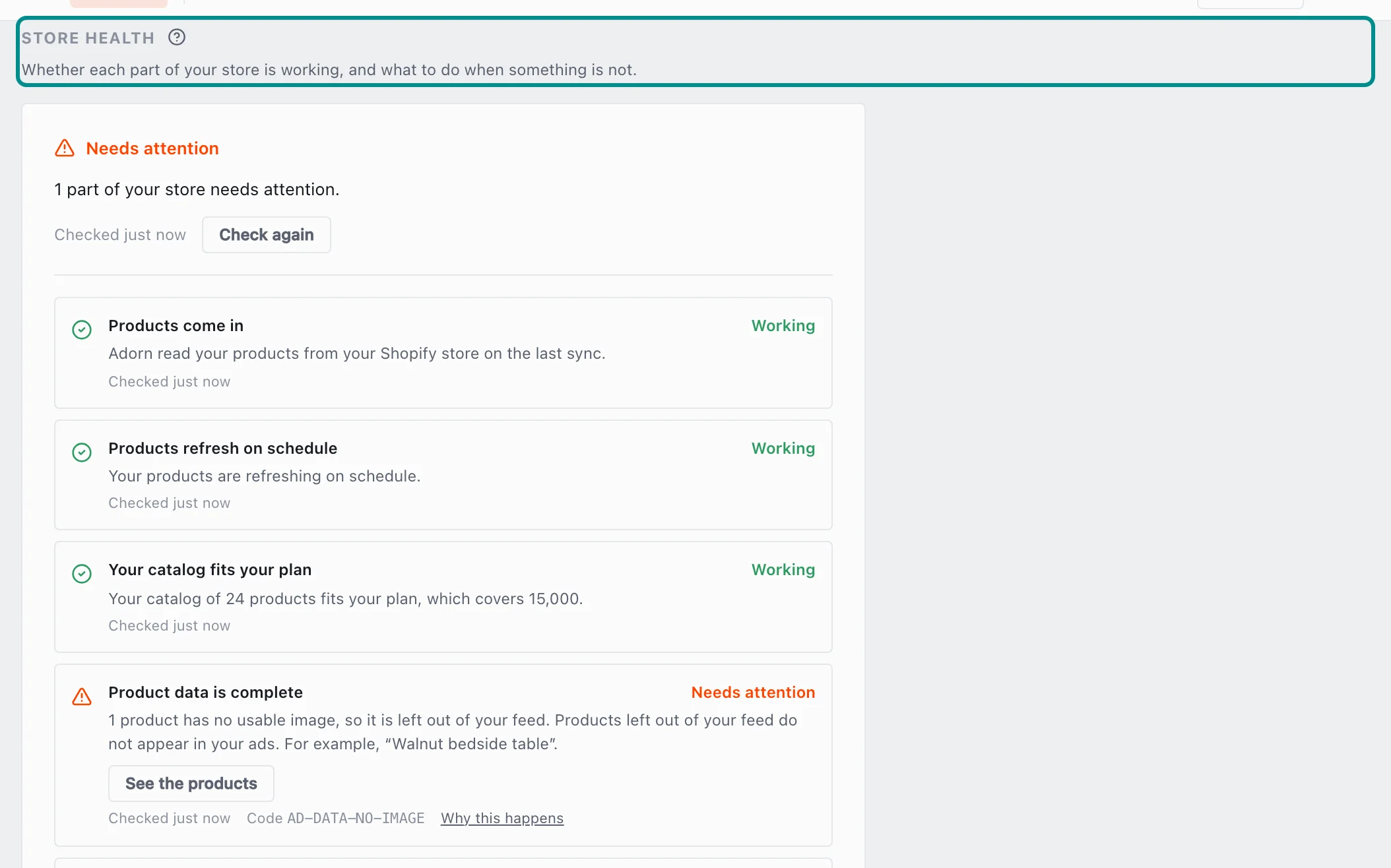
The top of the card says what Adorn found and when it last checked. - Find the Meta shows your designs row. If it needs attention, set your Adorn feed as top priority for Image in Meta Commerce Manager, then tick I've done this in Commerce Manager on the row.
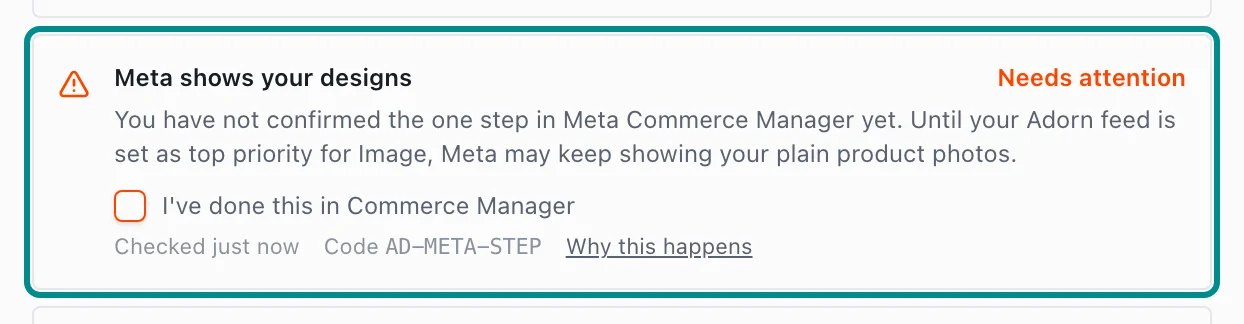
The row needs attention until someone ticks the box. - Find the Channels collect your feed row, which says when each feed was last collected. If Meta has not collected yours recently, check that Meta, or DataFeedWatch if you use it, still has your Adorn feed address.
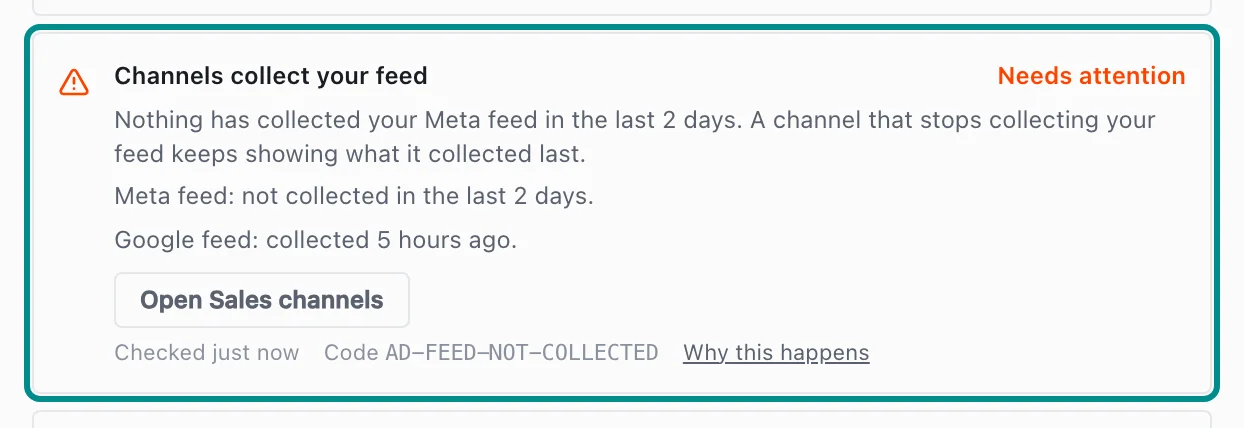
Here the Meta feed has not been collected recently, and the Google feed has. - Find the Channels are connected row. If it says Meta needs reconnecting, an owner opens Sales channels in Settings and presses Reconnect on the Meta card.
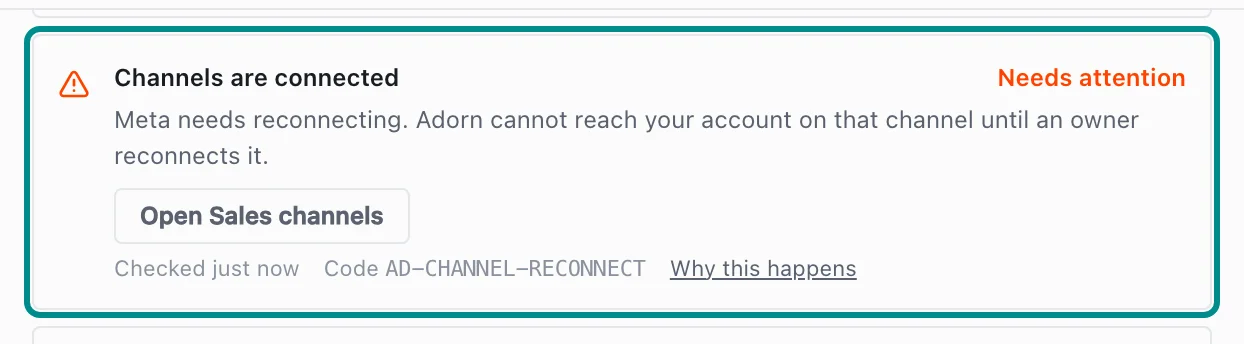
The row names the channel to reconnect. - Find the Designs render row. If it gives a code, the fix is on our side, so press Contact support on the row.
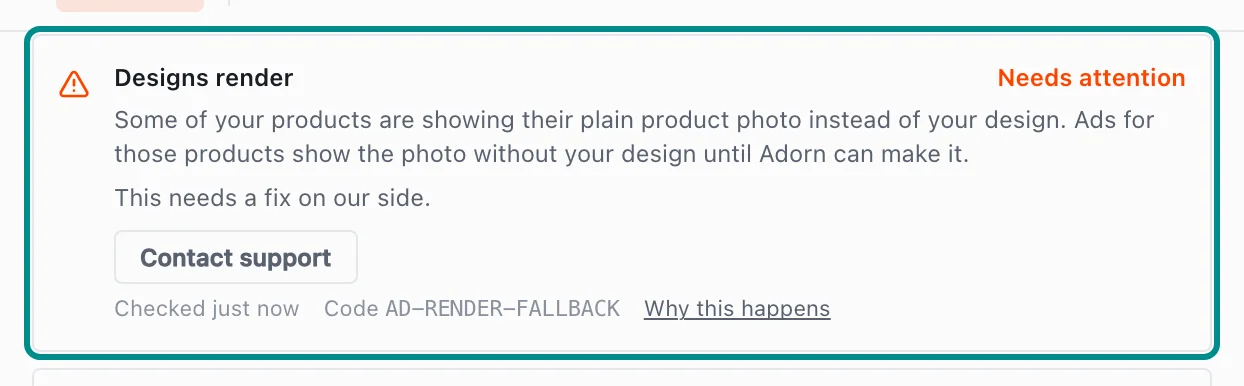
Contact support opens the support form with the row's code in your message. - Find the Which products get a design row. If none of your products get a design, open your Default template from Templates and choose Use this template on its Rules tab.
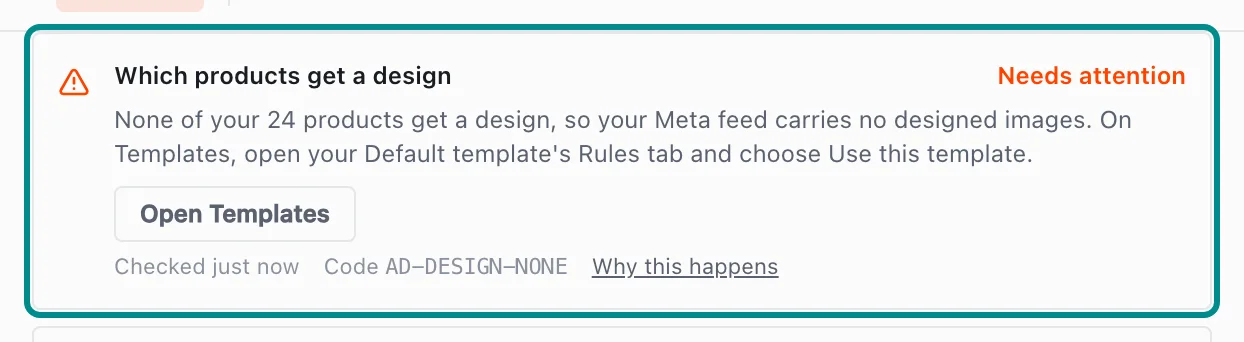
Here none of the store's products get a design.
Related pages
Problem codes that cause this
Adorn shows one of these codes in Store health or an alert email when it finds the cause, and each one says what to do.