Troubleshooting & FAQ
My prices or stock are not updating
Checked against the app on October 17, 2026
What to check first when price and stock changes do not reach your feed, and the problem codes that cause it.
What to check first
- In Settings, open Store health and press Check again, so each row reads your store as it is now.
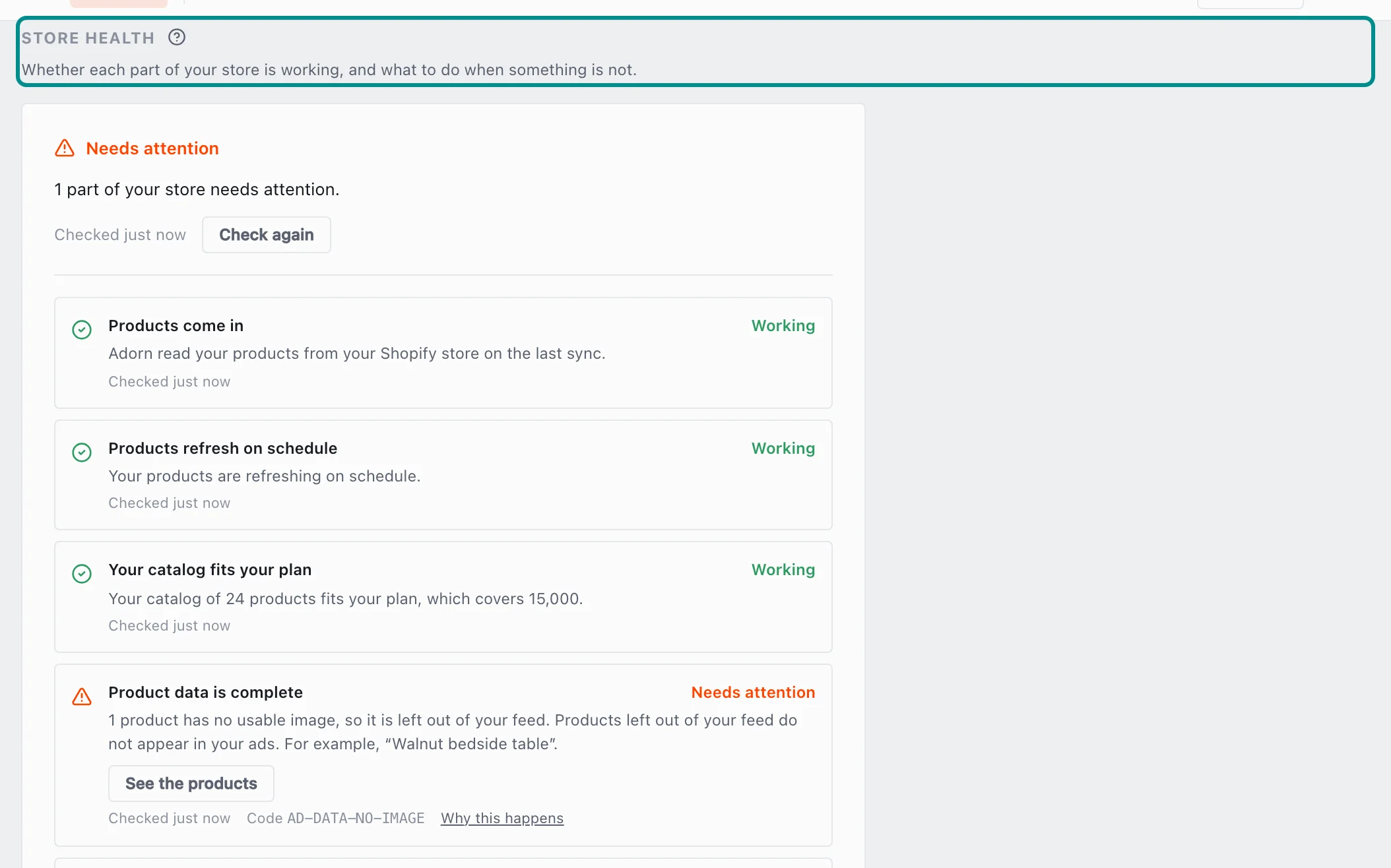
The top of the card says what Adorn found and when it last checked. - Find the Products come in row, which says how the last sync of each product source went, and gives a code when one stopped.
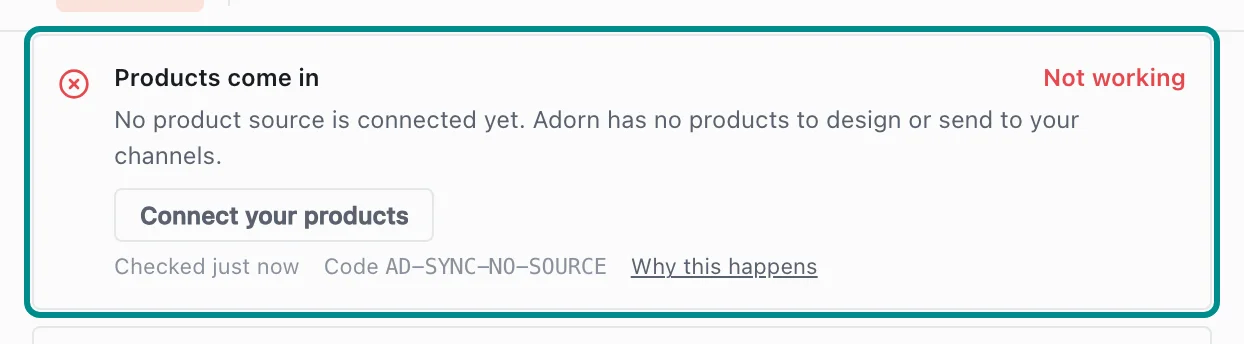
A row that stopped says why and offers the fix. - If the connection to your Shopify store was lost, an owner opens Data sources in Settings and presses Reconnect under Connection status.
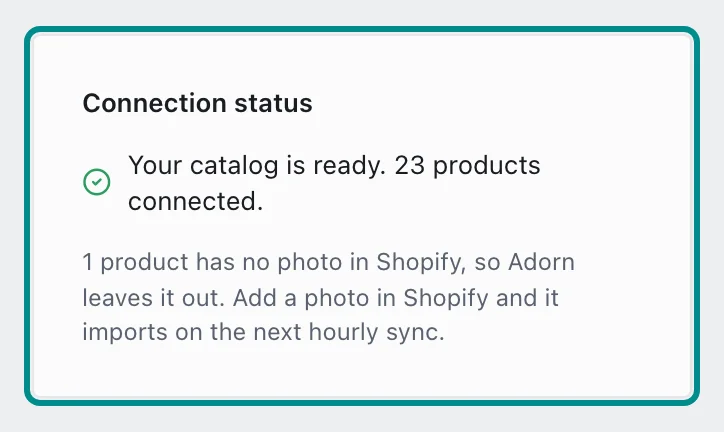
Connection status shows how your Shopify import is going. - Find the Products refresh on schedule row, which says when your products last refreshed. When the fix is on our side, the row offers Contact support.
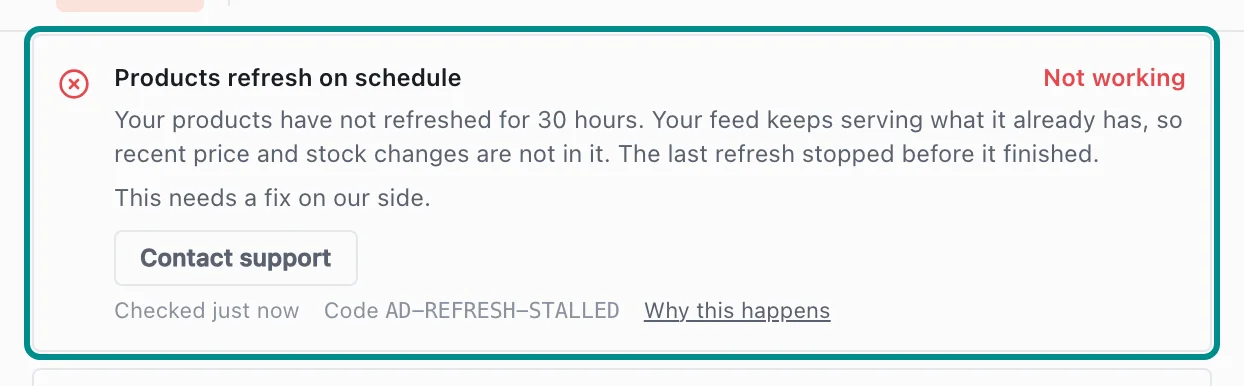
When refreshes stop, the row says what Adorn found. - If your account holds more stores than your plan pays for, your newest stores stop refreshing. An owner opens Billing in Settings, where the Stores card marks each of them Not refreshing, and pays for every store or removes one.
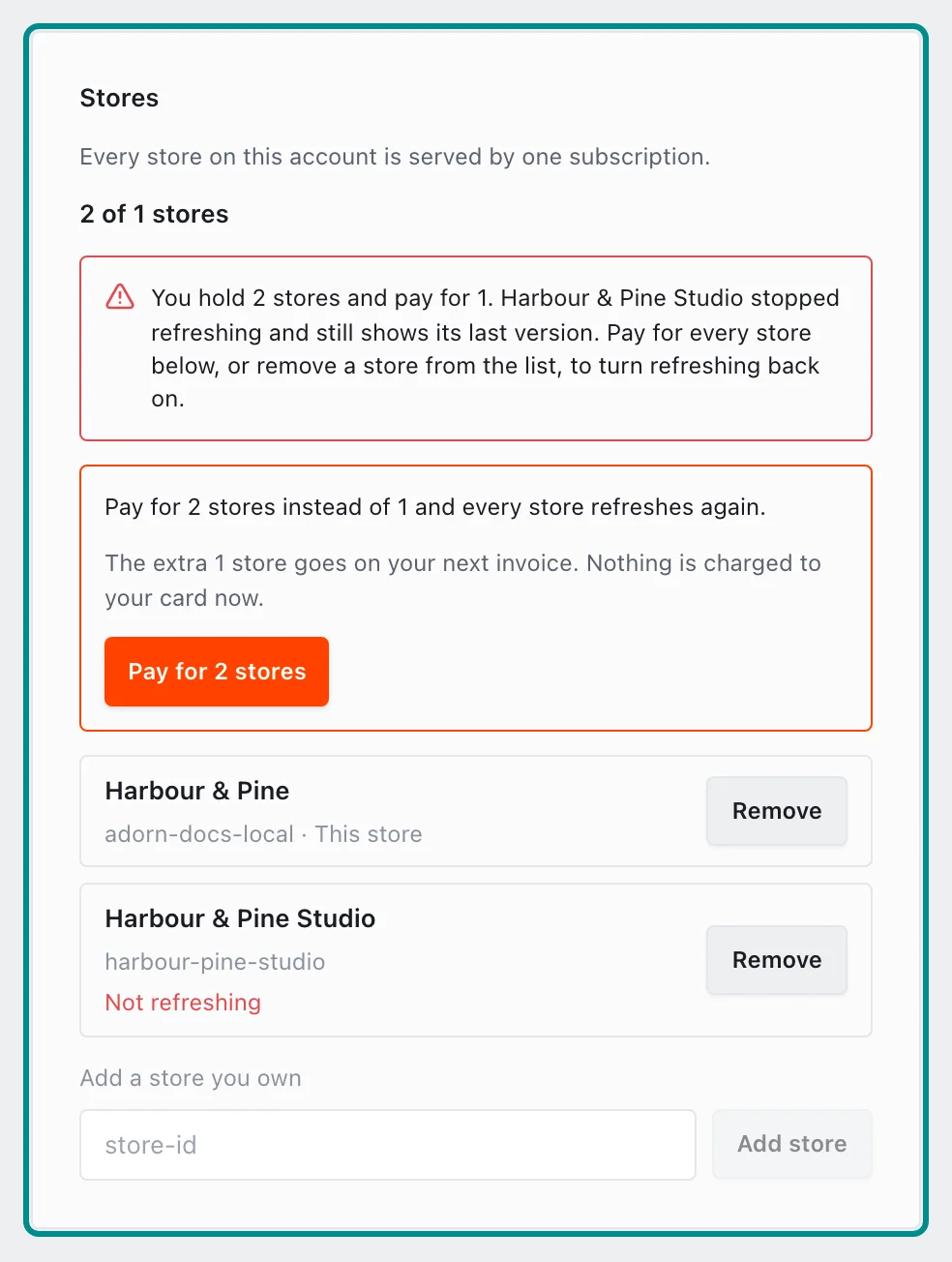
The card counts your stores against the number your plan pays for.
Related pages
Problem codes that cause this
Adorn shows one of these codes in Store health, the notifications bell or an alert email when it finds the cause, and each one says what to do.