Troubleshooting & FAQ
An ad shows the plain product photo
Checked against the app on October 17, 2026
What to check first when an ad shows a product's own photo instead of your design, and the problem codes that cause it.
What to check first
- Open Preview catalog in the top bar, press Live winner, and find the product with Search title or SKU. If it is marked Own image, no template applies to it, so its ads show its own photo.
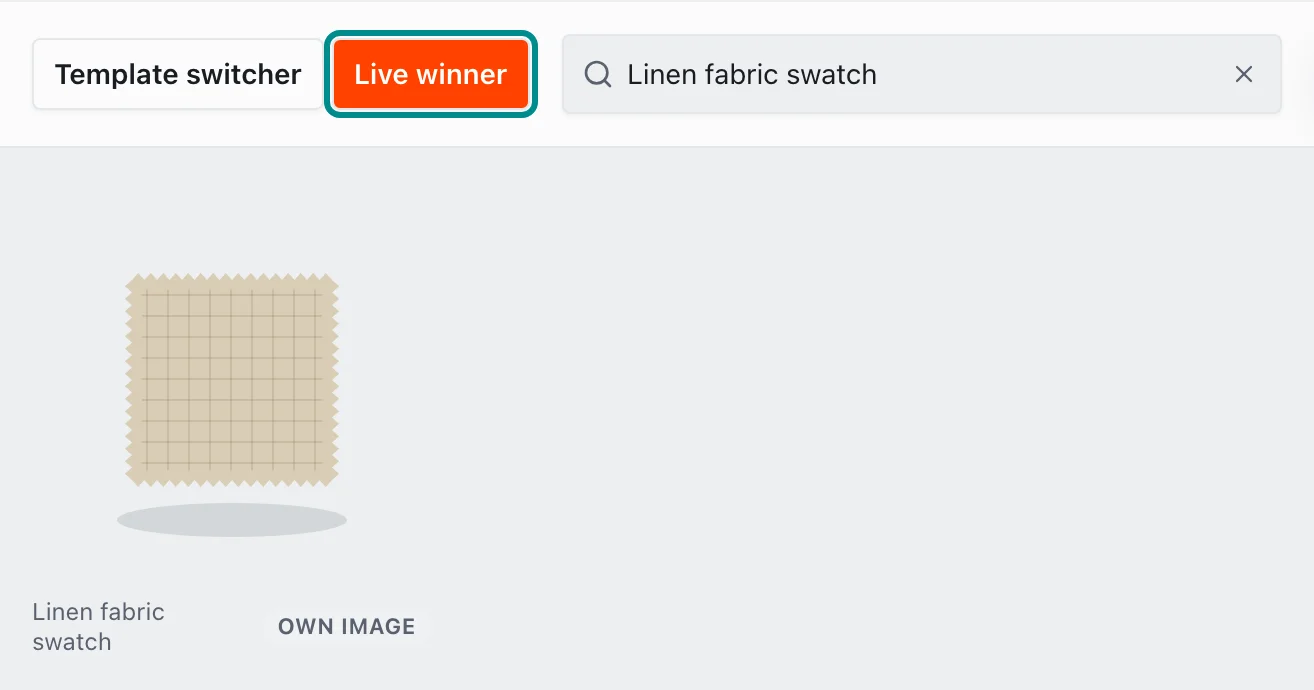
Here the product keeps its own photo, marked Own image. - In Settings, open Store health and find the Designs render row. If it gives a code, the fix is on our side, so press Contact support on the row.
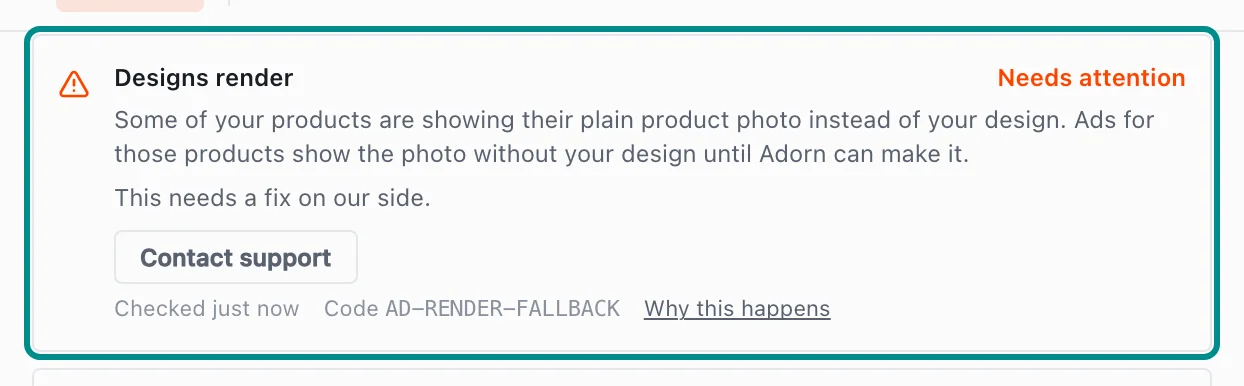
This row's fix is on our side, so it offers Contact support. - Find the Meta shows your designs row. Until your Adorn feed is top priority for Image in Meta Commerce Manager, Meta may keep showing your plain photos. Set it there, then tick I've done this in Commerce Manager on the row.
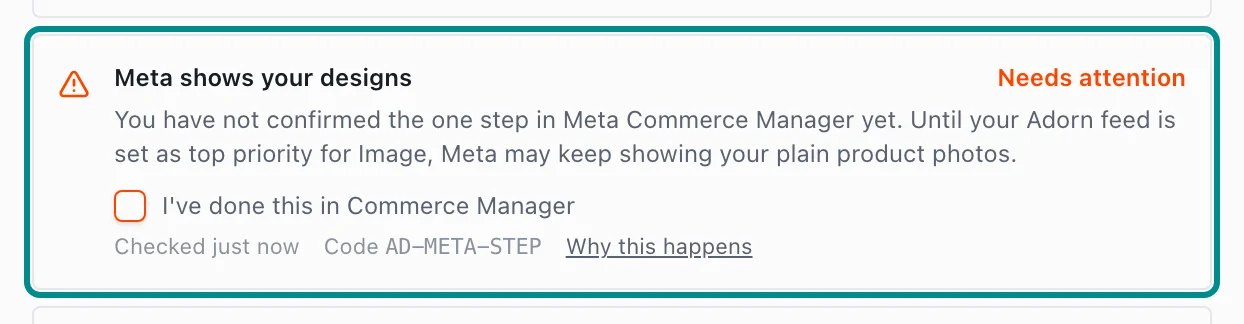
The row needs attention until someone ticks the box.
Related pages
Problem codes that cause this
Adorn shows one of these codes in Store health or an alert email when it finds the cause, and each one says what to do.