Troubleshooting & FAQ
A payment did not go through
Checked against the app on October 17, 2026
What to check first when a payment for your plan fails, and the problem codes that cause it.
What to check first
- An owner opens Billing in Settings. If the Plan & billing card reads Payment issue, press Manage billing and update your payment method before the date the card gives.
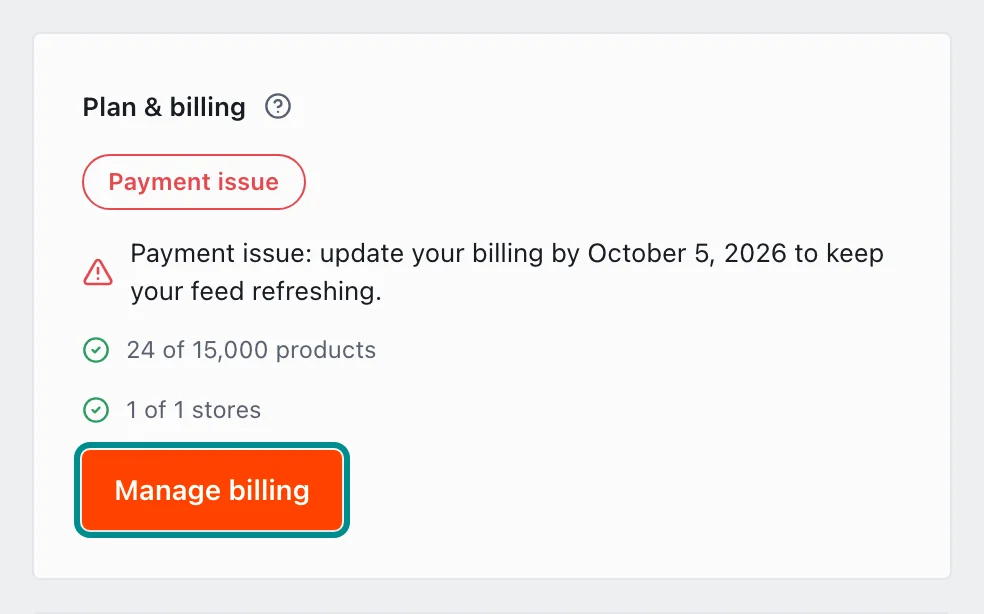
Update your billing by the date on the card to keep your feed refreshing. - If that date passes, the card reads Feed stopped, and your feed stays off until your billing is up to date. If your first payment did not go through, it reads Payment failed, and you choose a plan again with Subscribe.
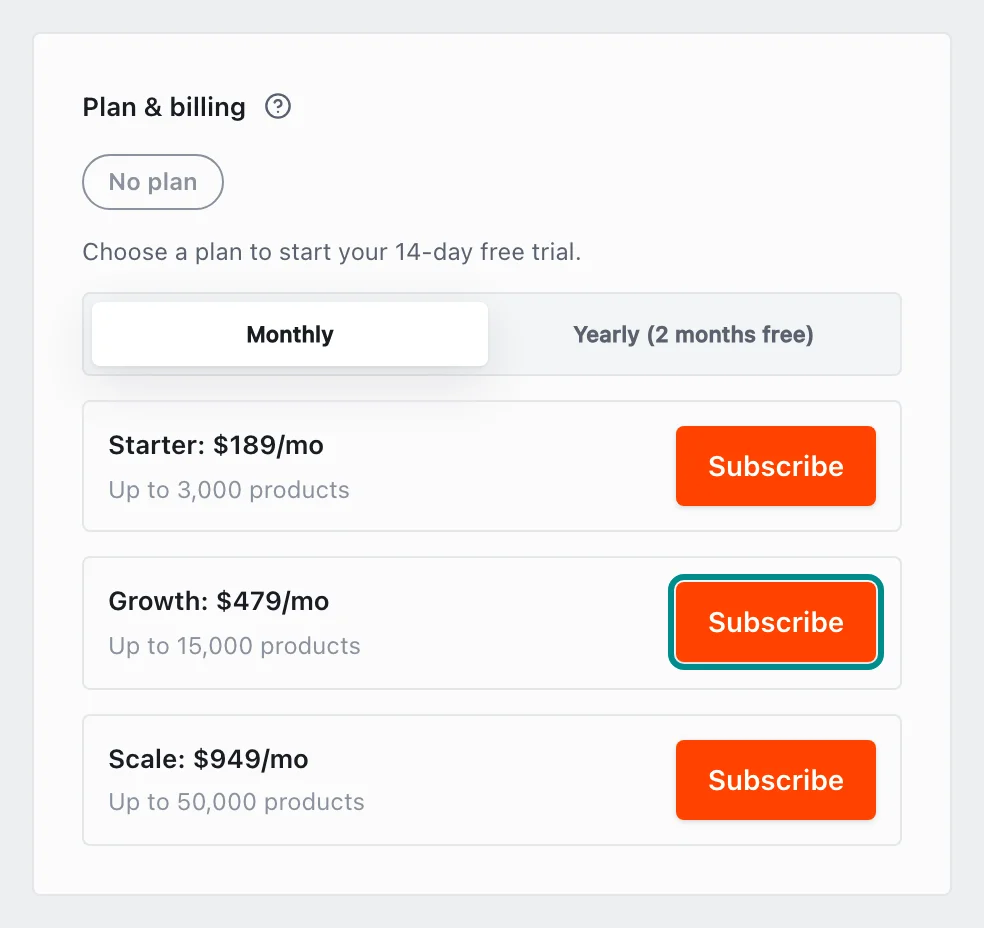
With no plan, the card lists the plans to choose from. - If your plan is billed through Shopify, the owner pays the Shopify bill.
- Then open Store health in Settings and find the Billing is in good standing row, which gives the code.
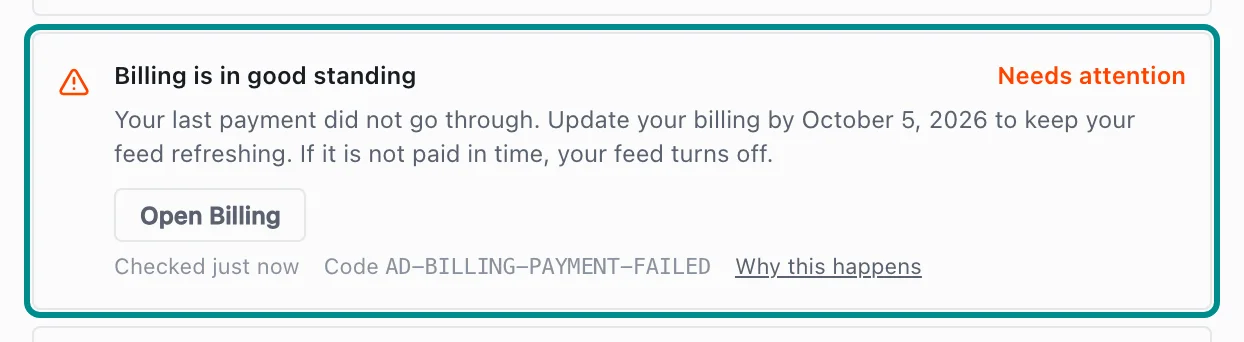
The row gives the date to update your billing by.
Related pages
Problem codes that cause this
Adorn shows one of these codes in Store health or the notifications bell when it finds the cause, and each one says what to do.